If you no longer have an iPhone, iPad, iPod touch, Mac, or Apple Watch because you gave it away or sold it, you need to remotely erase it before you can remove it. In Find My iPhone on iCloud.com, click All Devices, then select the device you want to erase. If you don’t see All Devices, […]
Read more
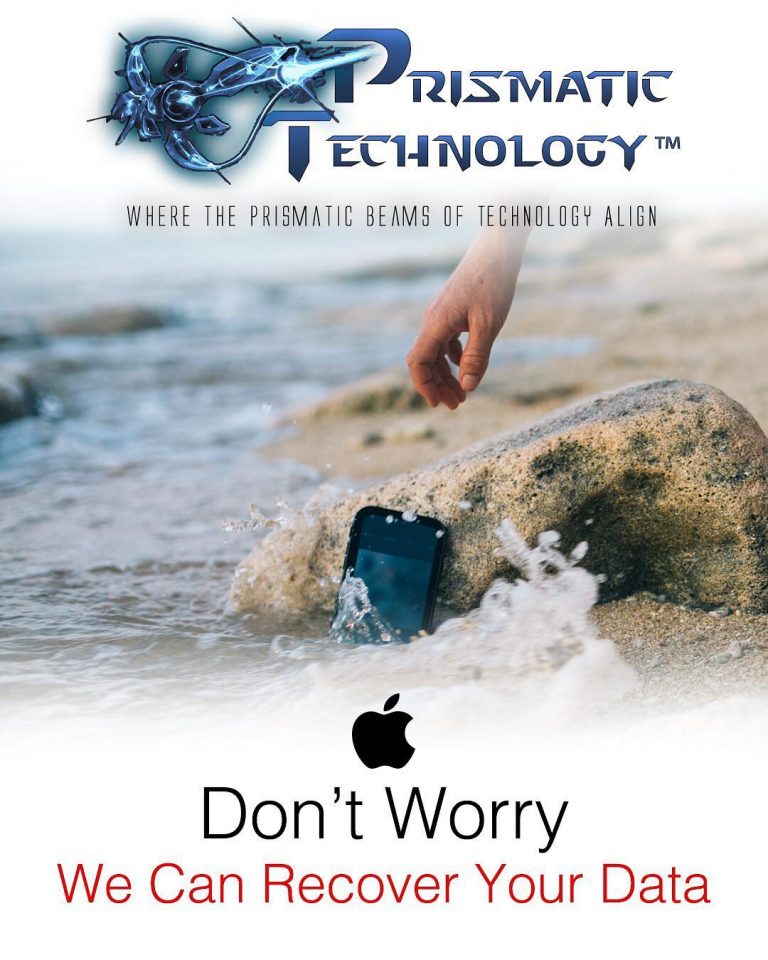
WARNING: DO NOT PLUG YOUR LIQUID DAMAGED PHONE INTO A CHARGER OR ATTEMPT TO POWER IT BACK ON!!!
Read more
Windows 10 in S mode is designed for security and performance, exclusively running apps from the Microsoft Store. If you want to install an app that isn’t available in the Microsoft Store, you’ll need to switch out of S mode. Switching out of S mode is one-way. If you make the switch, you won’t be able […]
Read more

When your Mac won’t load or hangs on startup it’s not the end of the world. You still have pretty good chances of fixing it, even without a technician’s help. Before you read next, check if your Mac is plugged in. Your first guess should be your Mac has run out of battery. If it’s […]
Read more
If you have an iPhone 7 or 7 Plus, there’s a chance you might be experiencing an issue with your Audio IC. You will sometimes see a “Recording Failed” or “No Audio Devices” error when trying to record a voice note using the Voice Memo App. Or sometimes you cannot put the phone in loudspeaker […]
Read more
Even if they’re genuine Apple batteries The iPhone XS, XR, and XS Max will display a message saying their batteries need to be serviced if they’re not replaced by Apple, . The message appears in both iOS 12 and the iOS 13 beta, and is shown regardless of whether a genuine Apple battery has been installed […]
Read more
The desktop right-click menu, otherwise known as the desktop context menu, provides instant access to numerous useful options ranging from aligning desktop icons to customizing display settings. And if you are a long-time Windows user, the means to obsessively refresh the desktop! Usually, the context menu shows up within a fraction of a second after right-clicking. […]
Read more
There’s nothing worse than your iPhone battery dying really fast. When a battery gets old, it will lose its ability to hold a charge and cause your iphone to run slower. So this is why it is important to change your battery once it is old. Go to Settings > Battery > Battery Health (Beta) […]
Read more
Windows 10 Initial Setup Script is a PowerShell script that you may run on Windows 10 devices to make all kinds of post-setup changes to the operating system. While it is designed for post-setup operation, it can also be useful after bigger operating system updates that sometimes make changes to the configuration. The script itself […]
Read more
This applies to the following iPhone models: You’ll have to look closely, but there is text codes that say the size. Depending on the manufacturer of the NAND chip, the codes may look different. Take a look at these images & try to match the one closest to yours. Looking to upgrade your iPhone to […]
Read more